

1. Power supply box.
(1) computer operation, someone may directly ignore the computer box, it is the dust accumulation place, if the use of more than six months, the power supply wind, fan noise is relatively large, you can take down the wind, fan cleaning.
(2) first clean the surface of the dust, use a soft towel on it, and then add some lubricant for a simple maintenance, you can also find a professional to deal with.
2. Remove the fan:
(1) first disconnect the host power, unplug the power supply behind the input, output line plug to ensure the safety of the cleaner, then unplug all accessories connected to the power supply and connecting cable, and then remove the power supply box with a fixed tool to remove the fixing screws, remove the power supply box.
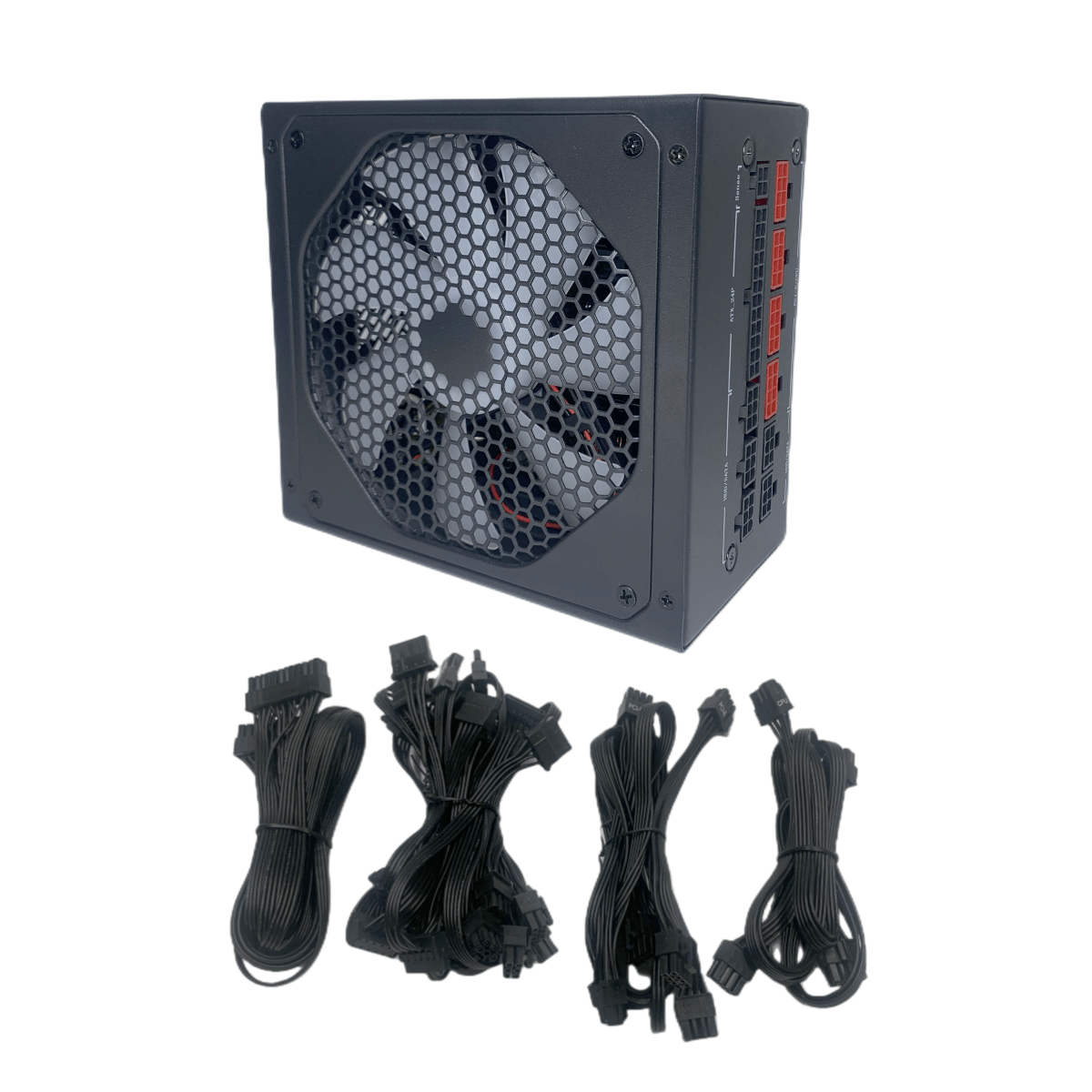
(2) first observe the appearance of the power supply box structure, then accurately remove the screws, do not damage the other locations, remove the outer cover, pry the wires out of the gap, and finally remove the four screws that fix the fan, remove the fan.
3. Clean the fan:
(1) cleaning dust accumulation before the need to isolate the power supply circuit board and the fan with cardboard, first soft towels to roughly clean up once, and then use a small brush or wet cloth to wipe the accumulated dust, and finally to ensure that it is dry.
(2) processing fan blades and bearings in the accumulation of dust, do not use brute force, the strength should be light, you can also use cotton swabs to assist, mainly for the location of narrow areas.
4. Lubricant.
Before adding lubricating oil, tear off the sticker label and pick out the rubber sealing piece with sharp-nosed pliers. After finding the motor bearing, you can use a cotton swab to slowly add lubricating oil while plucking the fan by hand to let the oil flow evenly along the bearing.
Hope it will be helpful to you.